 SSH Tunnel Manager
Your tunnels, one click away.
Save the database, dashboard and SOCKS tunnels you type every morning. Switch them on from the tray; they stay up through Wi-Fi drops and sleep, and tell you when they need you.
Get SSH Tunnel Manager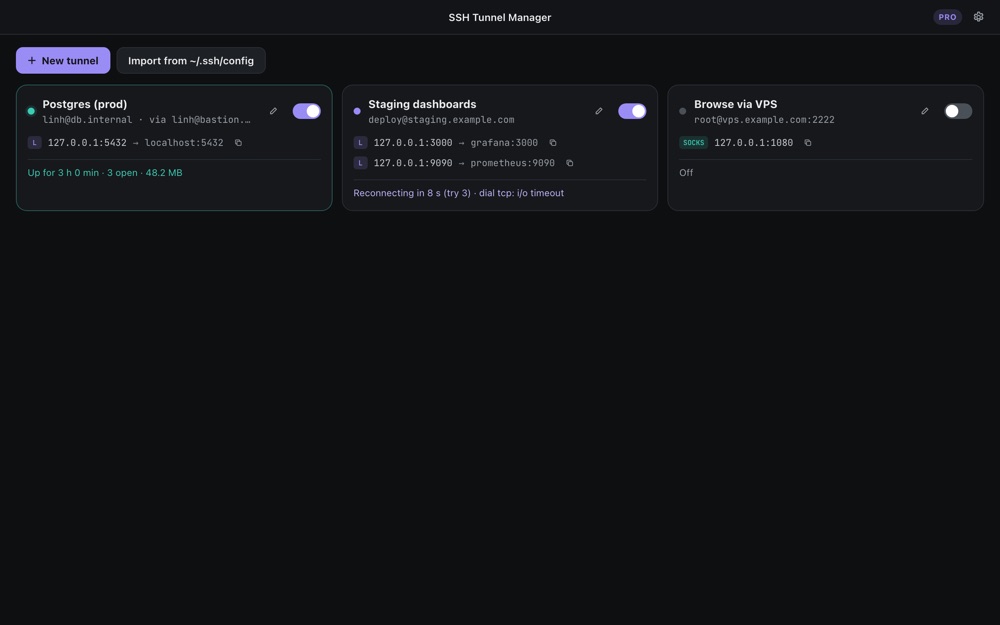
Why it is different
Local, remote and SOCKS
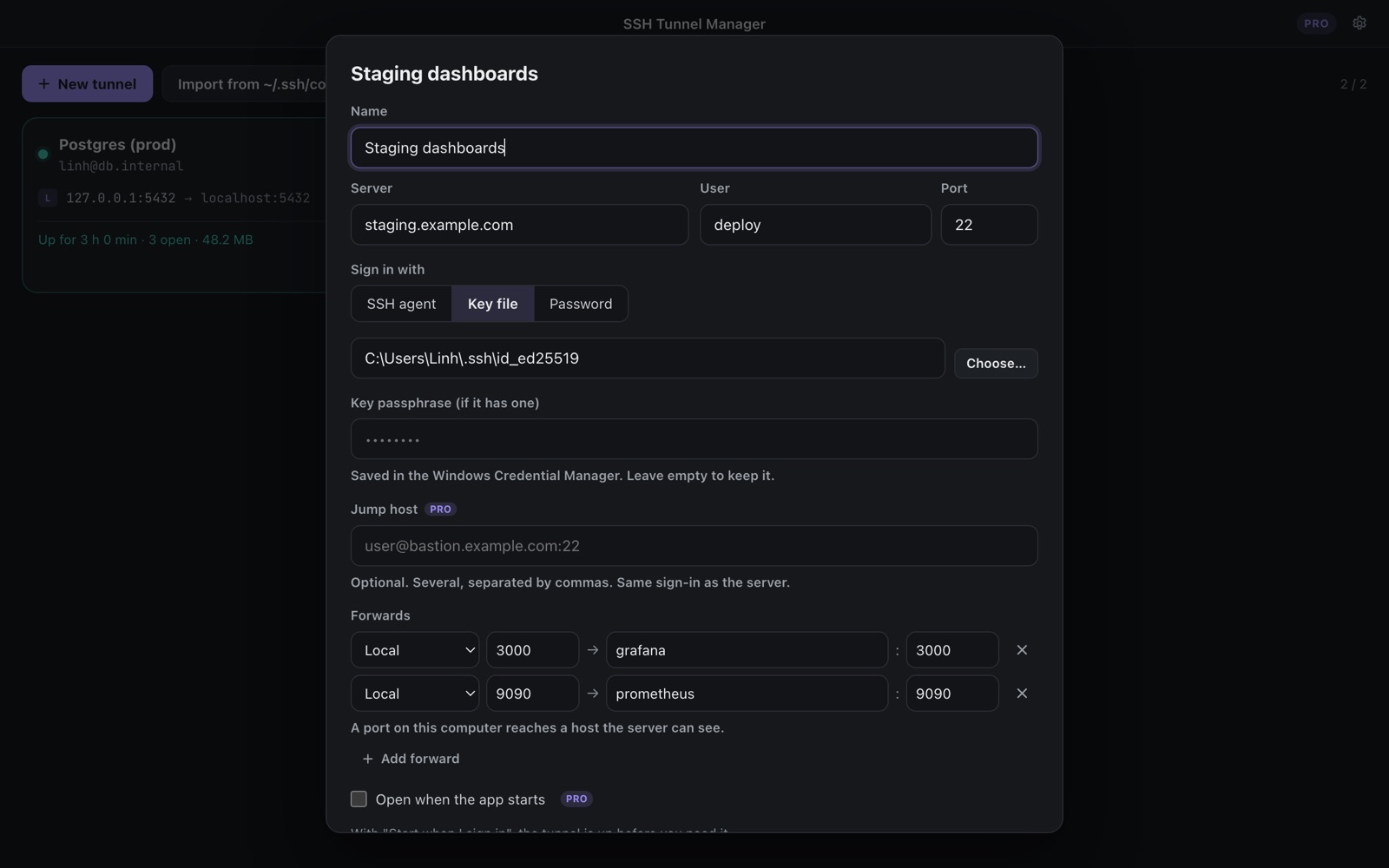
-L to reach a database, -R to share a local port, -D for a SOCKS5 proxy. Several forwards on one connection.
Stays up by itself
Keepalives notice a dead connection; it reconnects after 1, 2, 4… up to 30 seconds, and starts over once it is healthy.
Tells you what is wrong
Wrong password, missing key, port already used by another program, server unreachable: each says so plainly.
Host keys checked
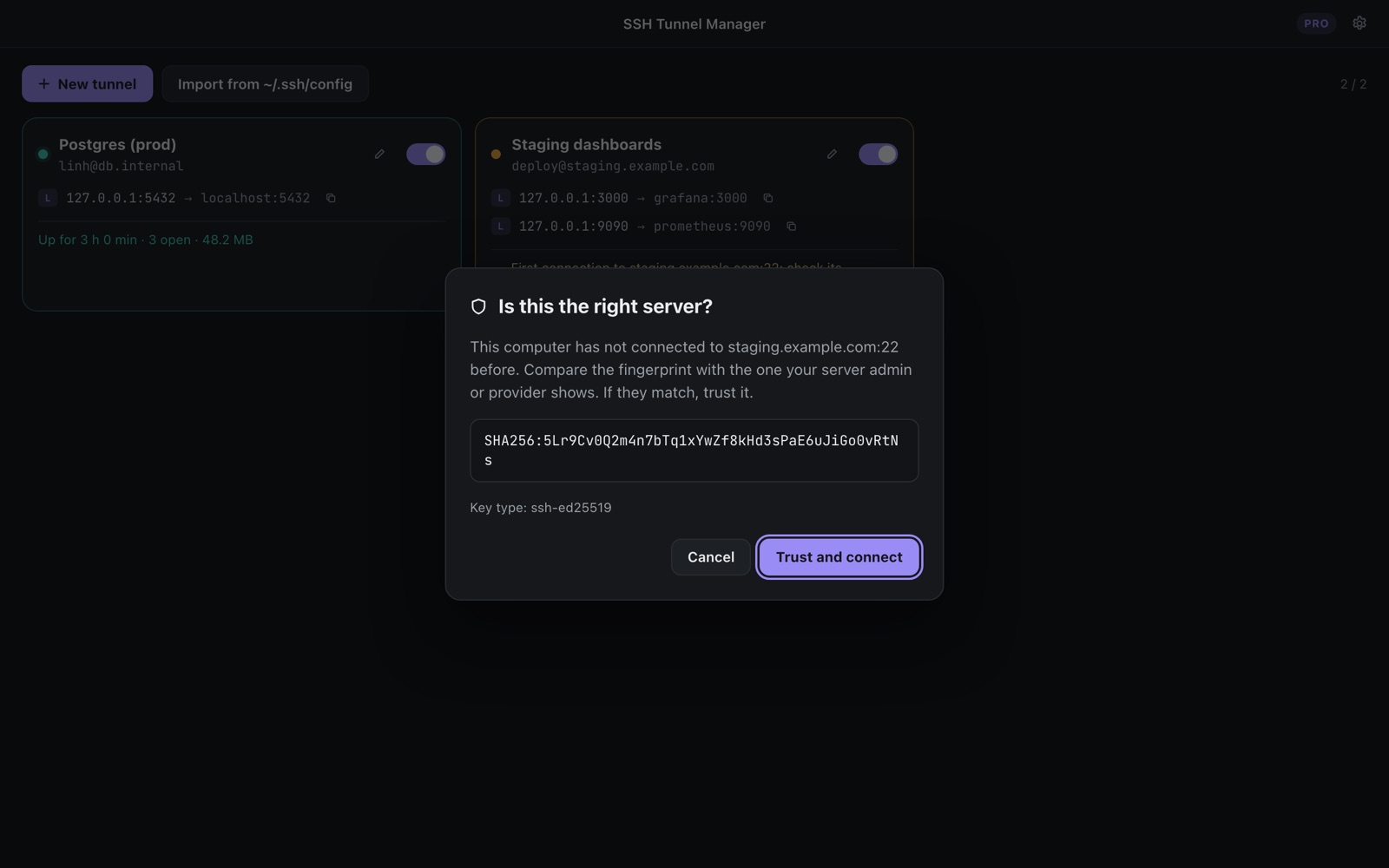
Uses your known_hosts. A new server shows its fingerprint first; a changed key is refused, never accepted silently.
Your keys and agent
The Windows OpenSSH agent, key files with passphrases, or passwords kept in Windows Credential Manager.
Import ~/.ssh/config
Hosts with LocalForward, RemoteForward, DynamicForward and ProxyJump become tunnels in one step.
Safe by default
Forwards listen on 127.0.0.1 unless you choose otherwise. Keys you accept are written to the app's own known_hosts; your ~/.ssh files are only read.
Free, with a one-time Pro
| Free | Pro, $9.99 once | |
|---|---|---|
| Tunnels | 2 | Unlimited |
| Local, remote, SOCKS5, auto-reconnect | ✓ | ✓ |
| Agent, key, password sign-in | ✓ | ✓ |
| Import ~/.ssh/config | ✓ | ✓ |
| Jump hosts, open at start | – | ✓ |
Coming soon to the Microsoft Store. No subscription, no account, no ads.